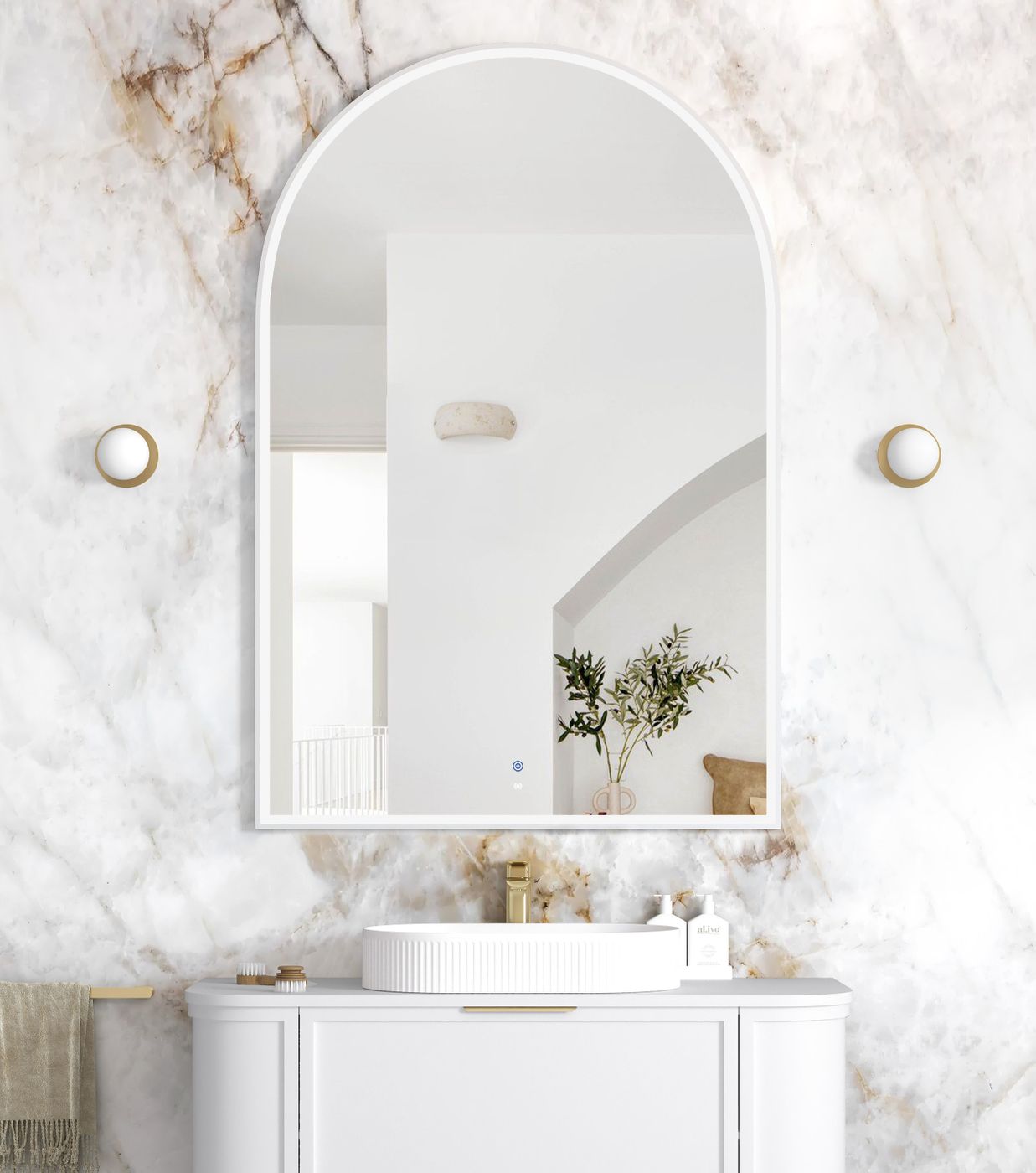


LED Archie 1500(H)x1000(W) White Metal Frame Mirror
Details
Description
| ARCHIE LED MIRROR with MATTE WHITE FRAME |
Size 1500Hx1000W(mm) |
This Archie Mirror 1500 x 1000mm with Matte White Metal Frame delivers a bold architectural statement while providing premium functional lighting for modern bathrooms. Designed with a sleek Matte White frame and front-lit LED illumination, this mirror enhances visibility for grooming tasks while creating a sophisticated ambient glow. Featuring advanced anti-fog technology and copper-free mirror construction, the Archie mirror ensures long-lasting clarity and durability in humid bathroom environments. The integrated motion sensor allows effortless hands-free operation, while adjustable colour temperature settings enable you to customise the lighting from warm to cool tones to suit your space and preferences.
Perfect for pairing with our vanities and contemporary tapware finishes, the Archie mirror brings together modern styling, smart functionality, and everyday convenience for bathrooms, ensuites, and powder rooms.
The mirror includes anti-fog technology, motion sensor operation, and adjustable colour temperature options (3000K / 4000K / 6000K), making it ideal for daily grooming with optimal lighting control.

| FEATURES: |
| •Wall Mounted Vertically |
| •Anti-fog + 5mm Copper-free Mirror (Matte White Metal Frame) |
| •Motion sensor On/Off LED Light |
| •Front Lit with LED light |
| •Adjustable colour temperature (3000, 4000 or 6000K) |
| •Wattage |
| •Voltage |
| •IP 44 rating |
| •SAA Approved |
| •Plugin/ Hardwire |
How to Use:-
Push Button:
- Turn On: Press the button.
- Select Light Colour: Choose between Cool/Day or Warm.
- Turn Off: Hold the button until it turns off.
Motion Sensor:
- The mirror lights up with the sensor turning on automatically
- Select Light Colour: Choose between Cool/Day or Warm.
- Activate Motion Sensor: Leave the light on the preferred light colour.
- Light&Sensor Active: White. Sensor Display: Grey (Note: The button turns grey when the device is turned off, and lights up white when in operation.)
- When the light is blue, it indicates the device is on standby
- Test Sensor: Wave your hand in front of the sensor to test if it’s active.
| OTTI LED Mirror Function Notification Download |