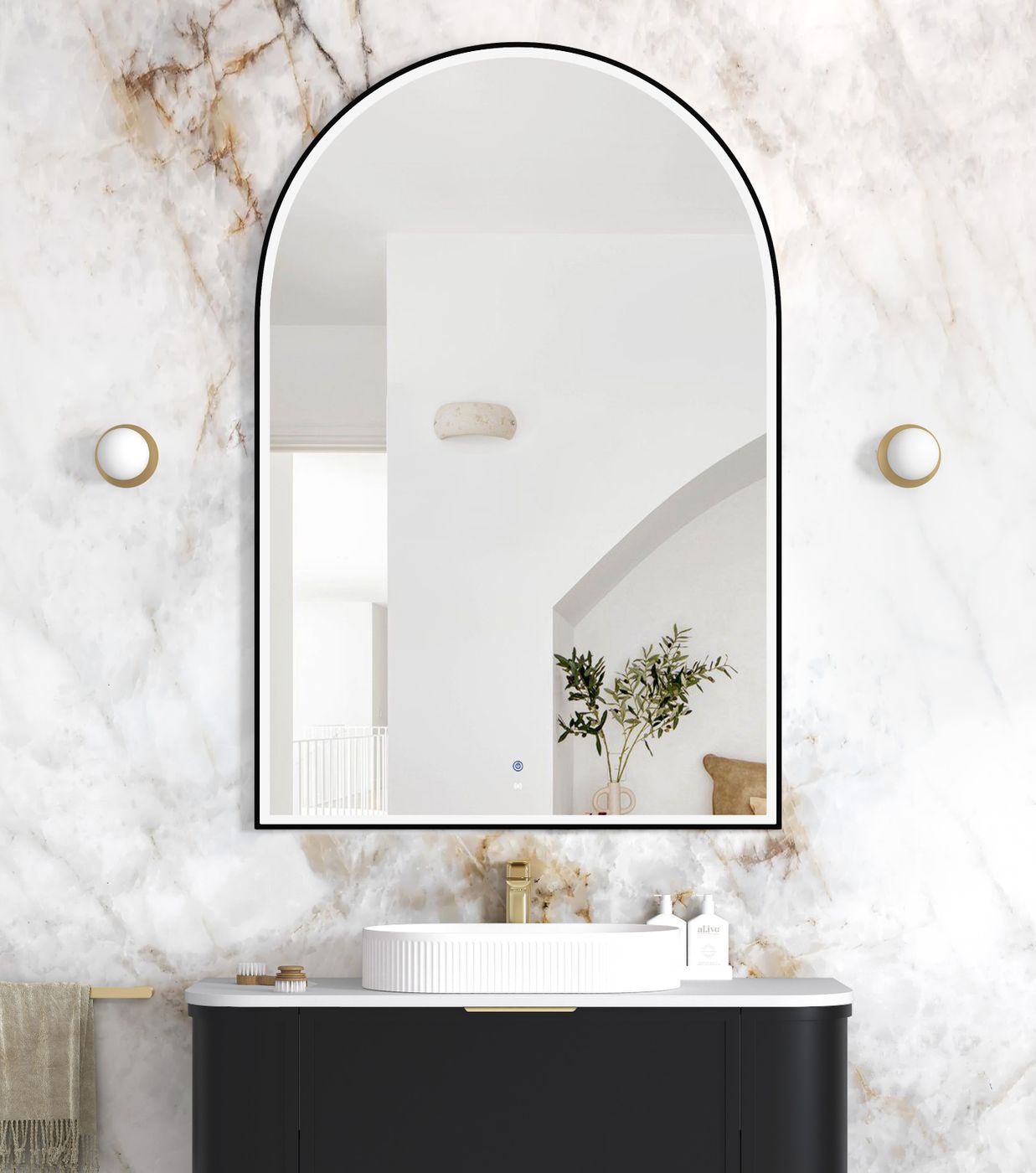


LED Archie 1500(H)x1000(W) Black Metal Frame Mirror
Stock Code:
LED-ARM1510B
NSW:
In Stock
Stock Locations
-
Queensland:In Stock
-
Victoria:Call Us to Order
Details
Description
| ARCHIE LED MIRROR with BLACK FRAME |
| Size 1500Hx1000W(mm) |
| This Arch Mirror 1500 x 1000mm with Black Metal Frame delivers a bold architectural statement while providing premium functional lighting for modern bathrooms. Designed with a sleek matte black frame and front-lit LED illumination, this mirror enhances visibility for grooming tasks while creating a sophisticated ambient glow. |
| Featuring advanced anti-fog technology and copper-free mirror construction, the Archie mirror ensures long-lasting clarity and durability in humid bathroom environments. The integrated motion sensor allows effortless hands-free operation, while adjustable colour temperature settings enable you to customise the lighting from warm to cool tones to suit your space and preferences. |
| Perfect for pairing with our vanities and contemporary tapware finishes, the Archie mirror brings together modern styling, smart functionality, and everyday convenience for bathrooms, ensuites, and powder rooms. |
The mirror includes anti-fog technology, motion sensor operation, and adjustable colour temperature options (3000K / 4000K / 6000K), making it ideal for daily grooming with optimal lighting control.
|

| FEATURES: |
| •Wall Mounted Vertically |
| •Anti-fog + 5mm Copper-free Mirror (Matte Black Metal Frame) |
| •Motion sensor On/Off LED Light |
| •Front Lit with LED light |
| •Adjustable colour temperature (3000, 4000 or 6000K) |
| •Wattage |
| •Voltage |
| •IP 44 rating |
| •SAA Approved |
| •Plugin/ Hardwire |
How to Use:-
Push Button:
- Turn On: Press the button.
- Select Light Colour: Choose between Cool/Day or Warm.
- Turn Off: Hold the button until it turns off.
Motion Sensor:
- The mirror lights up with the sensor turning on automatically
- Select Light Colour: Choose between Cool/Day or Warm.
- Activate Motion Sensor: Leave the light on the preferred light colour.
- Light&Sensor Active: White. Sensor Display: Grey (Note: The button turns grey when the device is turned off, and lights up white when in operation.)
- When the light is blue, it indicates the device is on standby
- Test Sensor: Wave your hand in front of the sensor to test if it’s active.